SEARCH AND FILTER
Introduction
Design Explorer contains a powerful search tool that lets you filter to a subset of components. You can then add properties as columns and make changes in a convenient spreadsheet view.
Changing Footprints
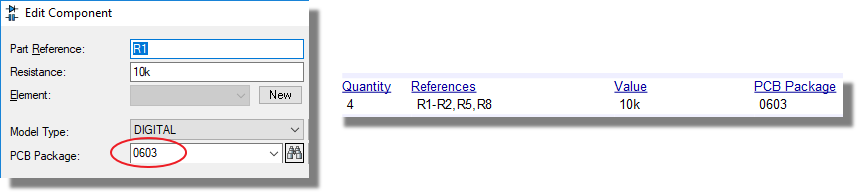
The most common mass edit operation is probably changing footprints. Let's assume we want to change all the 10k resistor footprints from an 0805 to an 0603.
1) Open the search tab in design explorer.
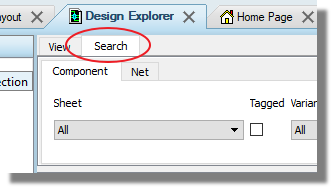
2) Change category to resistors and value to 10k and then search

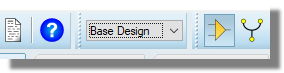
3) Make sure the active variant is reset to base design - this is not a change that we can apply to a single variant
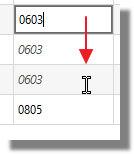
4) Type 0603 in the package column of the first part to make the change and then drag downwards to make the change to the other parts.
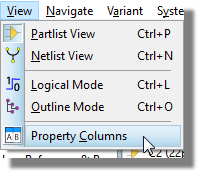
5) Use the property columns command on the view menu to add any other relevant physical properties such as stock code or cost
That's it. Changes are applied as you make them and can be seen either in the edit component dialogue on the schematic or en-masse in the bill of materials report.